How can I pair Jupiter on web with my Jupiter Mobile app?
To pair Jupiter on web with your Jupiter Mobile app:
Go to jup.ag
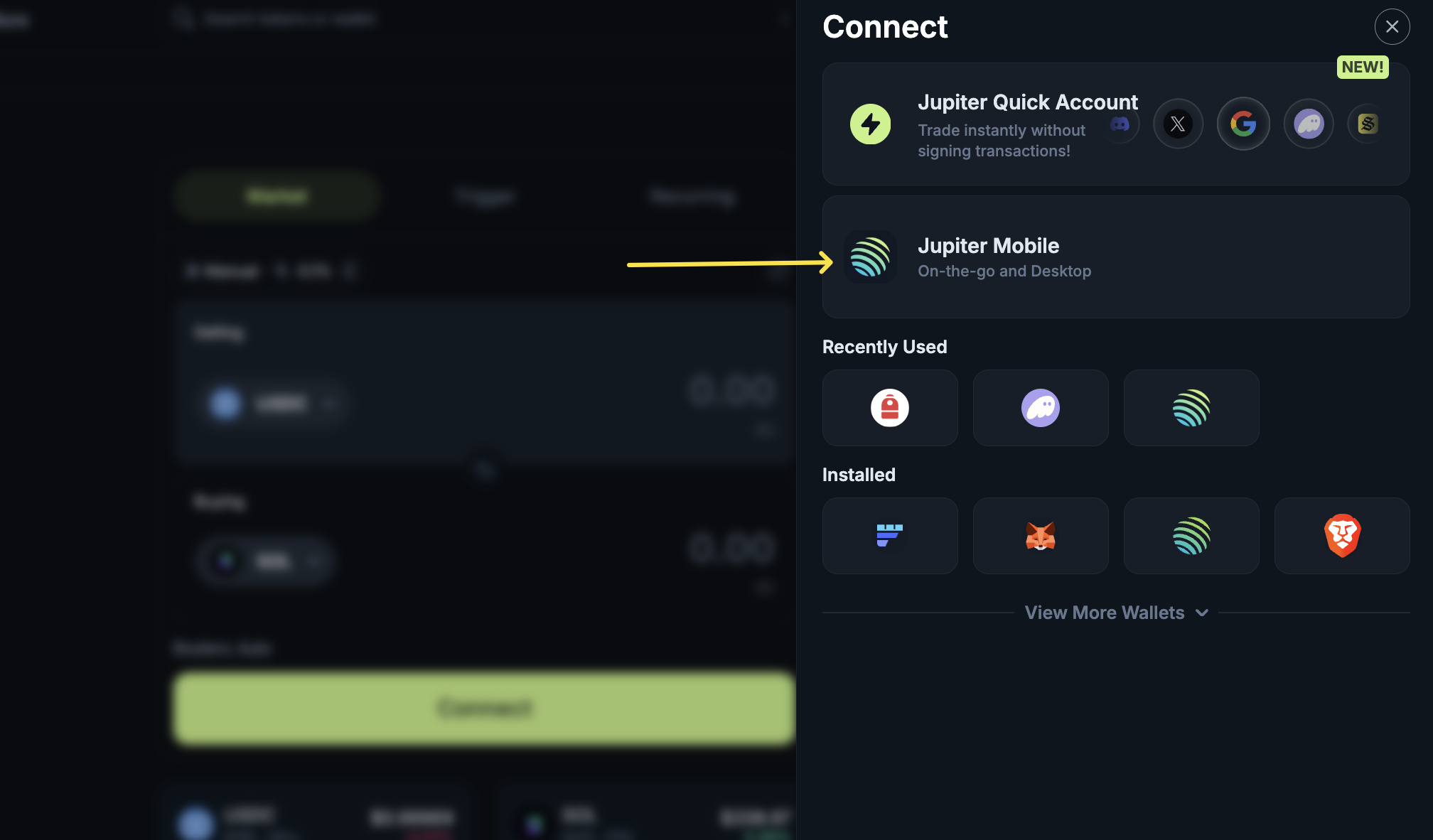
Click Connect in the top-right corner
Select Jupiter Mobile
When the QR code appears, open your Jupiter Mobile app
Use the Magic Scan feature in the app to scan the code and link your wallet
Once connected, you can use your Jupiter Mobile wallet on Jupiter Web.
https://support.jup.ag/hc/en-us/p/get_started
/hc/theming_assets/01JWVKNXBM9HQ0RXQX01CS5ENB
Start here
Create a wallet & make your first trade
custom
https://support.jup.ag/hc/en-us/p/faq
/hc/theming_assets/01JWVKP5RG9VH608P8Z01K5RQ4
FAQs
Your top questions answered
custom
https://support.jup.ag/hc/en-us/requests/new?ticket_form_id=18069133114012
/hc/theming_assets/01JWVKNXBM9HQ0RXQX01CS5ENB
Submit a request
Get help!