Where can I find my active and past Recurring orders?
You can find your active and past Recurring orders in two places:
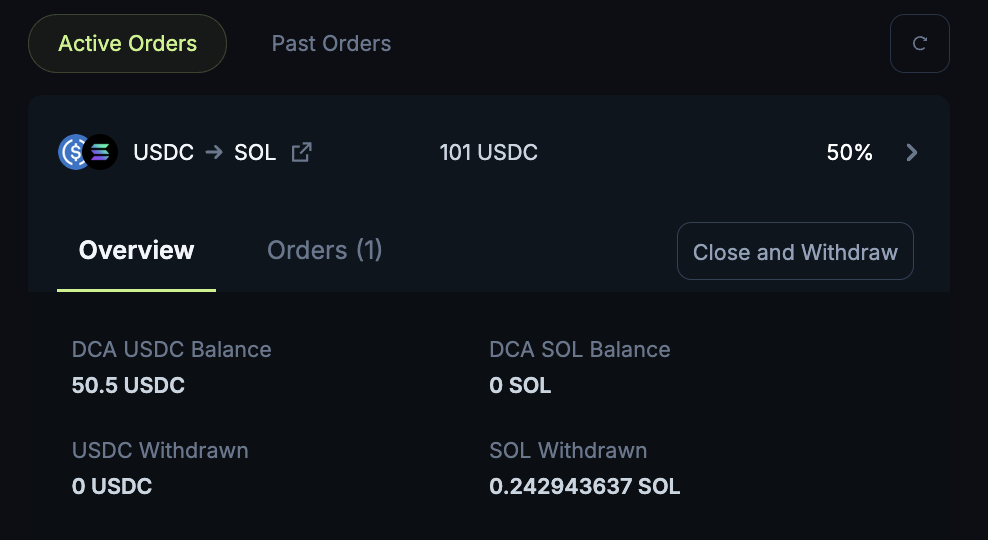
From the Recurring page
Go to jup.ag/recurring and connect your wallet
Navigate to Active Orders | Past Orders under the Recurring widget
From the Portfolio drawer on the top right
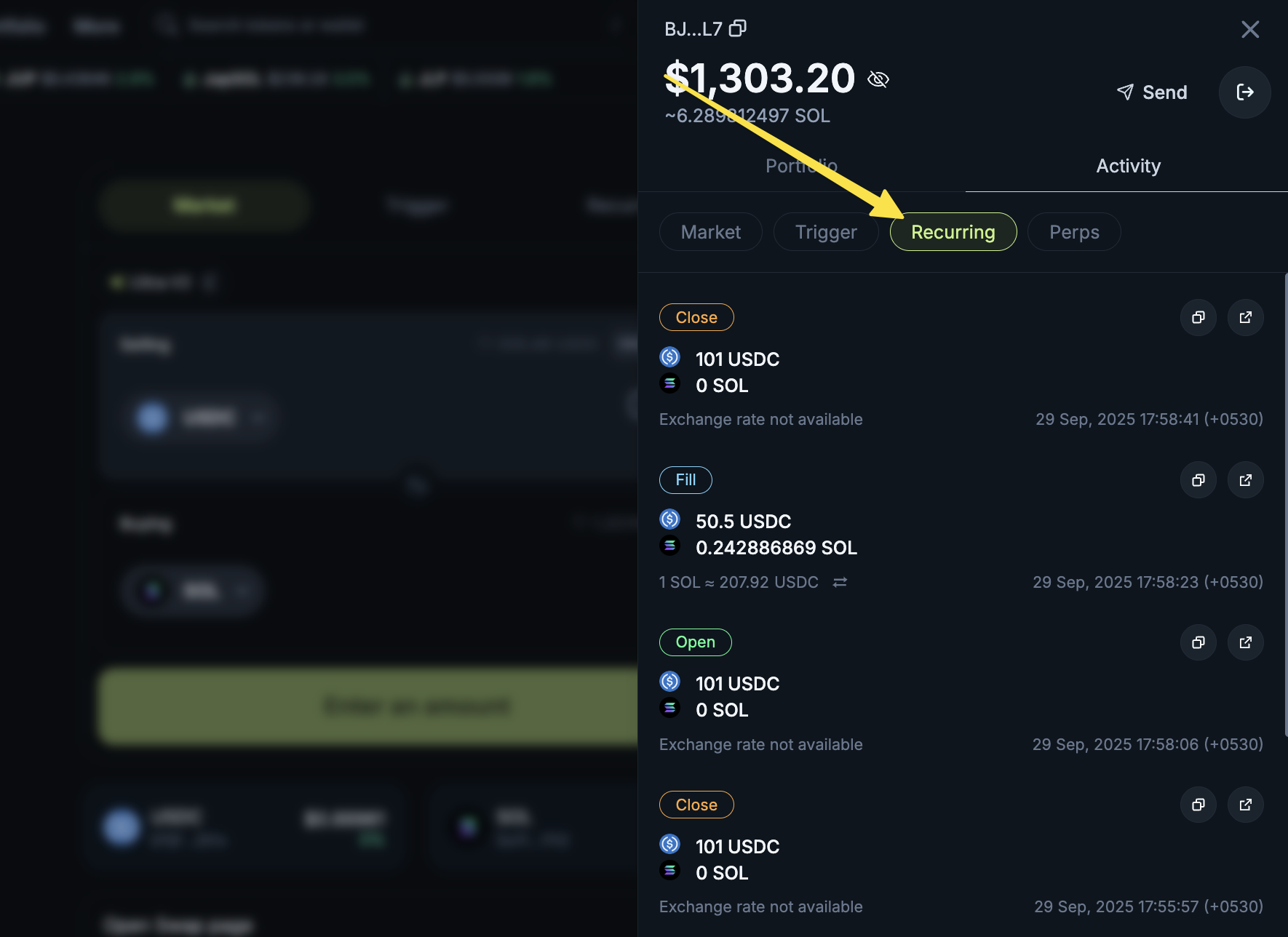
On jup.ag, open the Portfolio drawer
Navigate to Activity → Recurring to see your Recurring Orders
https://support.jup.ag/hc/en-us/p/get_started
/hc/theming_assets/01JWVKNXBM9HQ0RXQX01CS5ENB
Start here
Create a wallet & make your first trade
custom
https://support.jup.ag/hc/en-us/p/faq
/hc/theming_assets/01JWVKP5RG9VH608P8Z01K5RQ4
FAQs
Your top questions answered
custom
https://support.jup.ag/hc/en-us/requests/new?ticket_form_id=18069133114012
/hc/theming_assets/01JWVKNXBM9HQ0RXQX01CS5ENB
Submit a request
Get help!